 Firefox
Segmented downloads
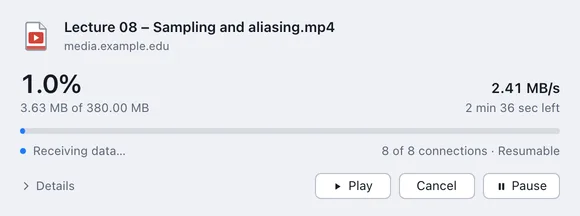
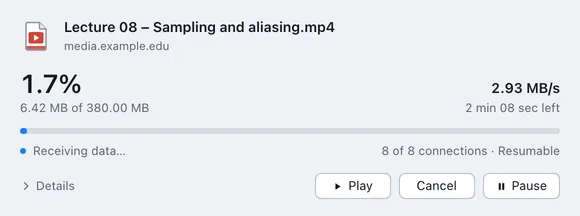
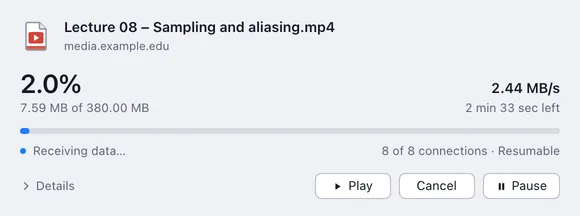
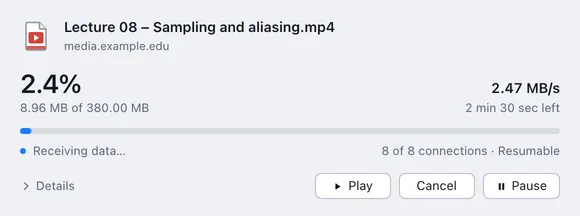
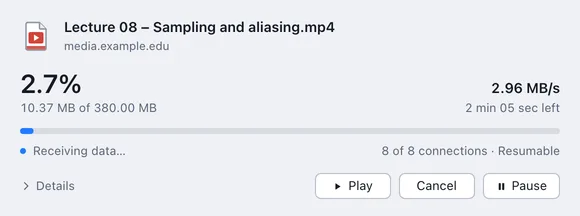
Up to 32 connections per file with Pro, 4 in Haul Free. Haul starts with one and keeps adding more while every one of them is receiving.
Haul splits each file across up to 32 connections, picks up right where it stopped, plays video while it downloads, and takes over downloads straight from your browser.
Free to use. Haul Pro is $12.99 once, with a 7-day trial. See pricing
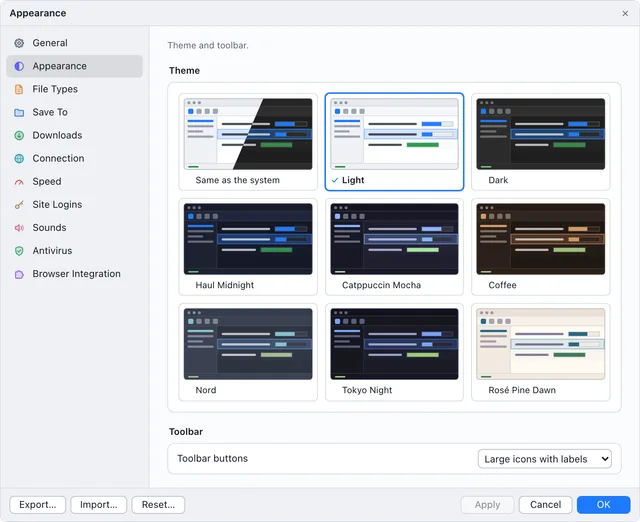
The app's own themes, or a ninth that follows your system's light and dark setting. Light, Dark and that one are in Haul Free; the rest come with Haul Pro.
Everything a serious download manager needs, in one window that stays out of your way.
Up to 32 connections per file with Pro, 4 in Haul Free. Haul starts with one and keeps adding more while every one of them is receiving.
Dropped Wi-Fi, a sleeping laptop or a restart. If the file changed on the server, Haul starts fresh instead of splicing it.
Catches downloads by file type in nine browsers, Safari included, with right-click menus and a Download video button on media pages.
Start watching before the download finishes. Jump anywhere in the film and Haul fetches that part first, while the rest keeps coming in.
A built-in player for MKV, MP4, AVI, WMV, TS and more. It uses your computer's own video hardware, so a film plays smoothly on very little power.
Change language at any moment, even mid-download. Tracks are listed by name, and Haul remembers your choices for the next film.
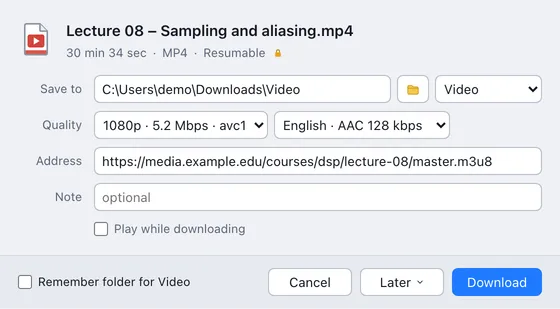
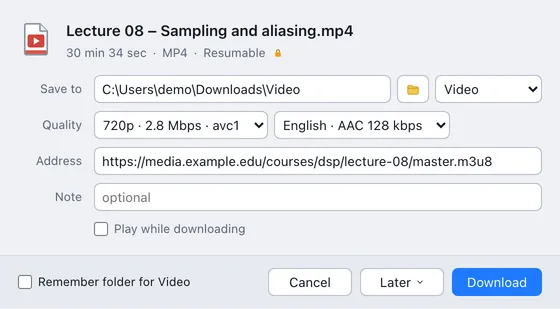
HLS and DASH streams, and videos from many sites, saved as a single file in the quality you pick.
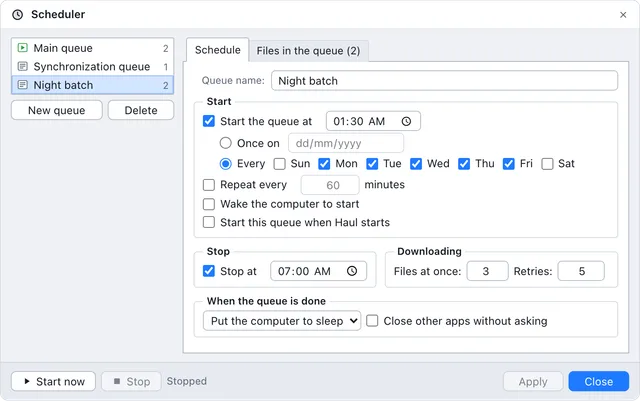
Run queues on the weekdays you choose, then sleep, hibernate or shut down when they finish.
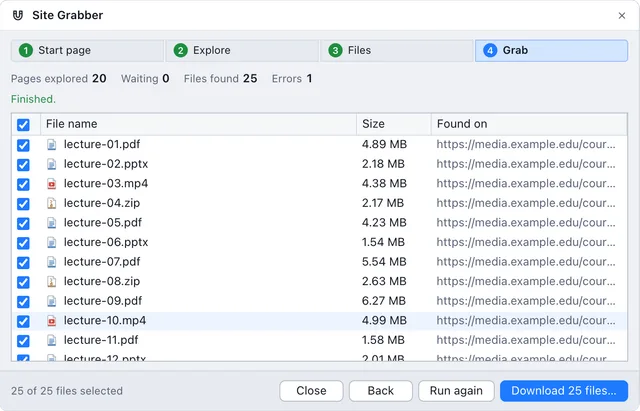
Crawl a site for every file that matches your rules, or fill in a numbered range of addresses.
Save every photo of an X post in original quality, and download WeTransfer files from their link.
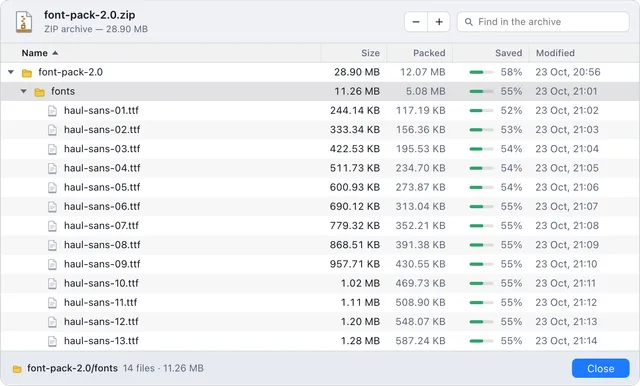
Open an archive's folders and see what's inside before you download the whole thing.
One limit for everything or one per file, so calls and browsing keep their share of the line.
A built-in player that doesn't wait for the last byte, with every audio and subtitle track in the file a click away.
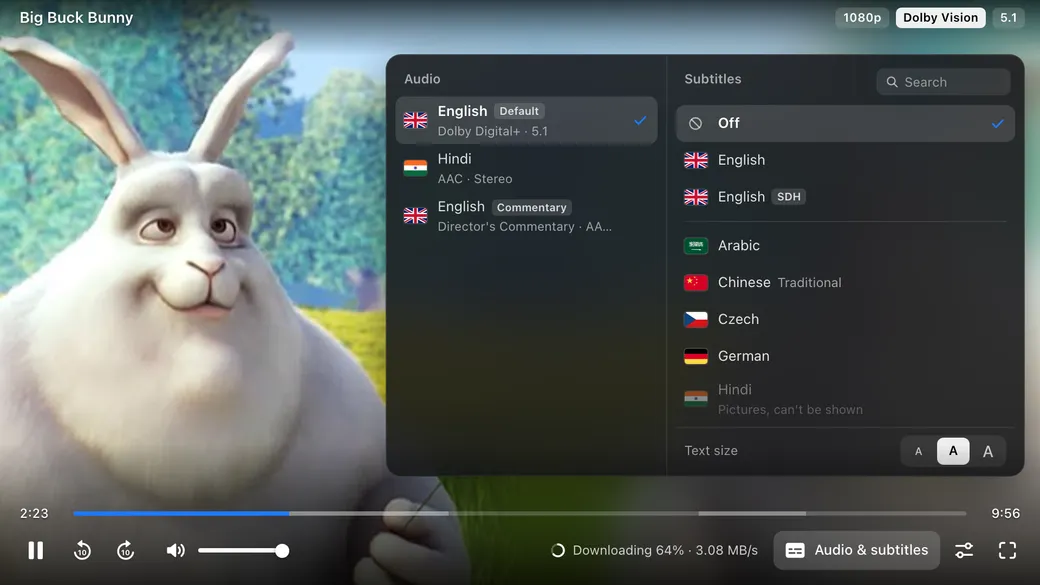
Free on files you download directly. Videos from sites and HLS and DASH streams need Pro to download at all, and then play the same way. Subtitles stored as pictures, as on Blu-ray and DVD, aren't shown yet.
Film shown: Big Buck Bunny, © Blender Foundation, CC BY 3.0.
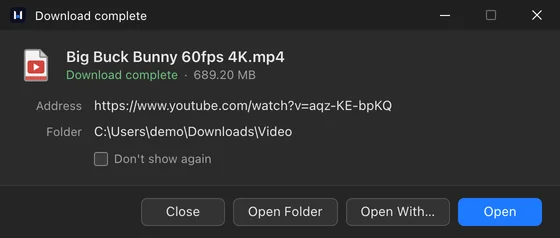
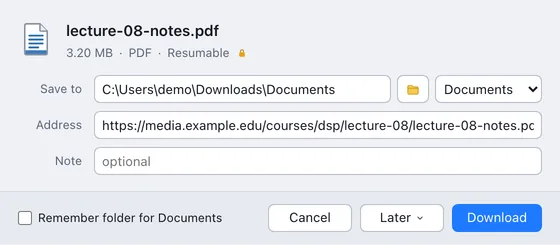
Same file, same connection. Haul splits it into parallel streams, and when the line drops it picks up exactly where it stopped.
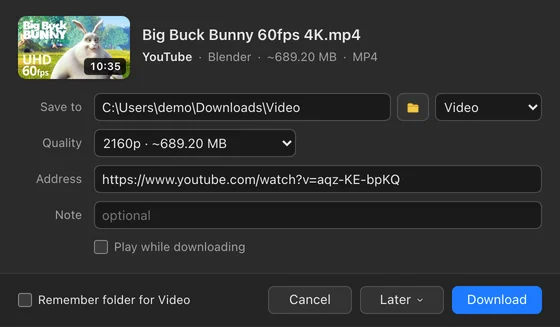
Paste a page's address, or click Download video on the player. Haul lists every quality the site has, then saves picture and sound as one file.
Recognises YouTube, Vimeo, X, Instagram, TikTok, Facebook, Twitch, Reddit, Dailymotion, Bilibili, SoundCloud and Streamable.
Videos from sites and HLS and DASH streams are part of Haul Pro. Photos from X posts and WeTransfer links Free work in every plan.
Video shown: Big Buck Bunny, © Blender Foundation, CC BY 3.0.
Add Haul Browser Integration and Haul takes over your downloads: from the Chrome Web Store for Chrome and every Chromium browser, or from Firefox Add-ons. On a Mac, Safari's copy comes with Haul.
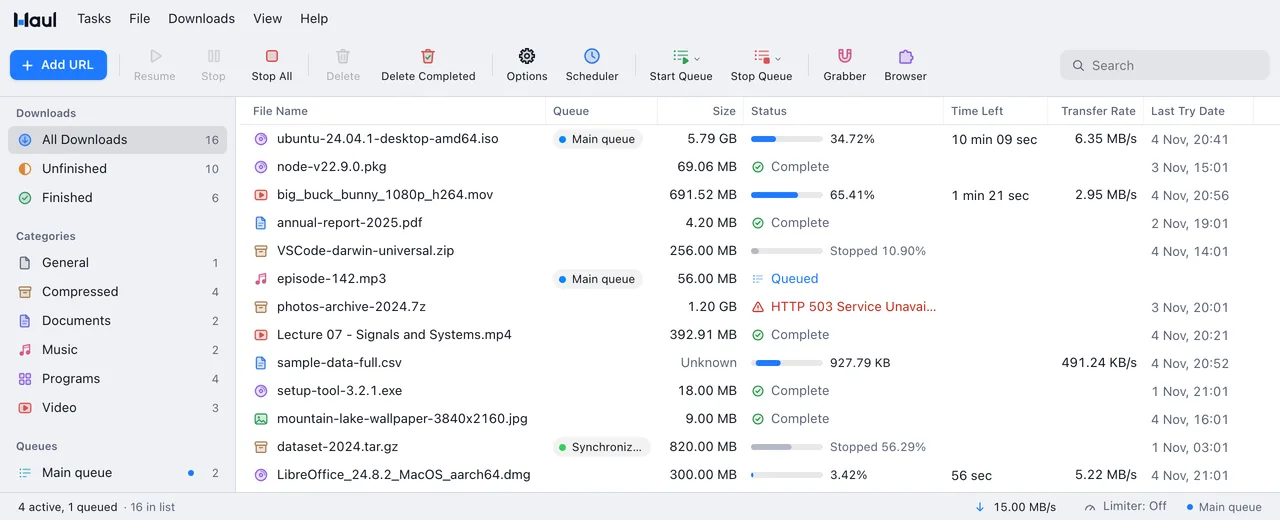
Windows from Haul 2.0, as they open on your computer.
Give big downloads a queue of their own, and let it run while you sleep.
Pro Part of Haul Pro.
The Site Grabber follows a site's links and collects every file that matches your rules.
Pro Part of Haul Pro.
See what's in an archive before you commit to the whole download.
Free In Haul Free too.
Every setting in one window, with its panes in a sidebar: General, Appearance, File Types, Downloads, Connection, Speed and more.
Free with System, Light and Dark. Pro for the rest.
No subscription. Every new computer tries all of Haul Pro free for 7 days, or 90 days if you used Haul on it before 2.0.
$0 no time limit
$12.99 once, for 3 computers
Compare the plansAlready bought it? Manage your license
Ten languages that follow your system and switch live, from the menus to the browser extension.
Everything people ask before they install Haul.
All questionsStill unsure? Email us and we'll answer.
Windows 10 and 11, 64-bit, and Macs with Apple silicon (M1 and later) on macOS 11 or newer.
Yes. Every release is built automatically from the same source, and Haul checks the signature of each update before installing it. No ads, no toolbars, no bundled offers.
Haul's installer isn't code-signed yet, so SmartScreen doesn't recognise it. Choose More info, then Run anyway.
It's built to stay out of the way: the engine is native code and the window only redraws what changes. Set a speed limit if you want browsing and calls to keep the bandwidth.
Haul picks up where it stopped, as long as the server allows resuming, which most do. If the file changed on the server meanwhile, it starts over instead of mixing two versions.
Chrome, Edge, Brave, Vivaldi, Opera, Arc and Helium through the extension from the Chrome Web Store, Firefox through Firefox Add-ons, and Safari on a Mac with the extension inside Haul.
Yes, with Haul Pro. It saves HLS and DASH streams, and videos from many sites through the yt-dlp that comes with it, in the quality you pick.
Yes. Haul imports IDM's .ef2 export lists, with their referrers and cookies, as well as plain text lists and any file full of links. How to switch from IDM
Haul checks shortly after it starts and every six hours, verifies the signed update and restarts. Running downloads carry on in the new version. You can turn this off in Options → General.
Only anonymous usage statistics, and you can turn them off. There are no accounts and no tracking. Haul sends its version, your system's release and build, the processor type and how many downloads finished or failed, never addresses or file names. Statistics are on by default; Haul shows a one-time notice, and Options → General turns them off at any time, which deletes Haul's random install number. For the Haul Pro trial and license, Haul also checks with our license server every few days, with a hashed device id and your computer's name. The privacy policy has the details.
Windows or Mac, and all of Haul Pro for 7 days. All downloads
Tell us on the feedback board. Upvote what others asked for, and follow every report from Under review to Done.
See the board and roadmapHow a report moves
Most upvoted right now